






Fuel Station Management Software
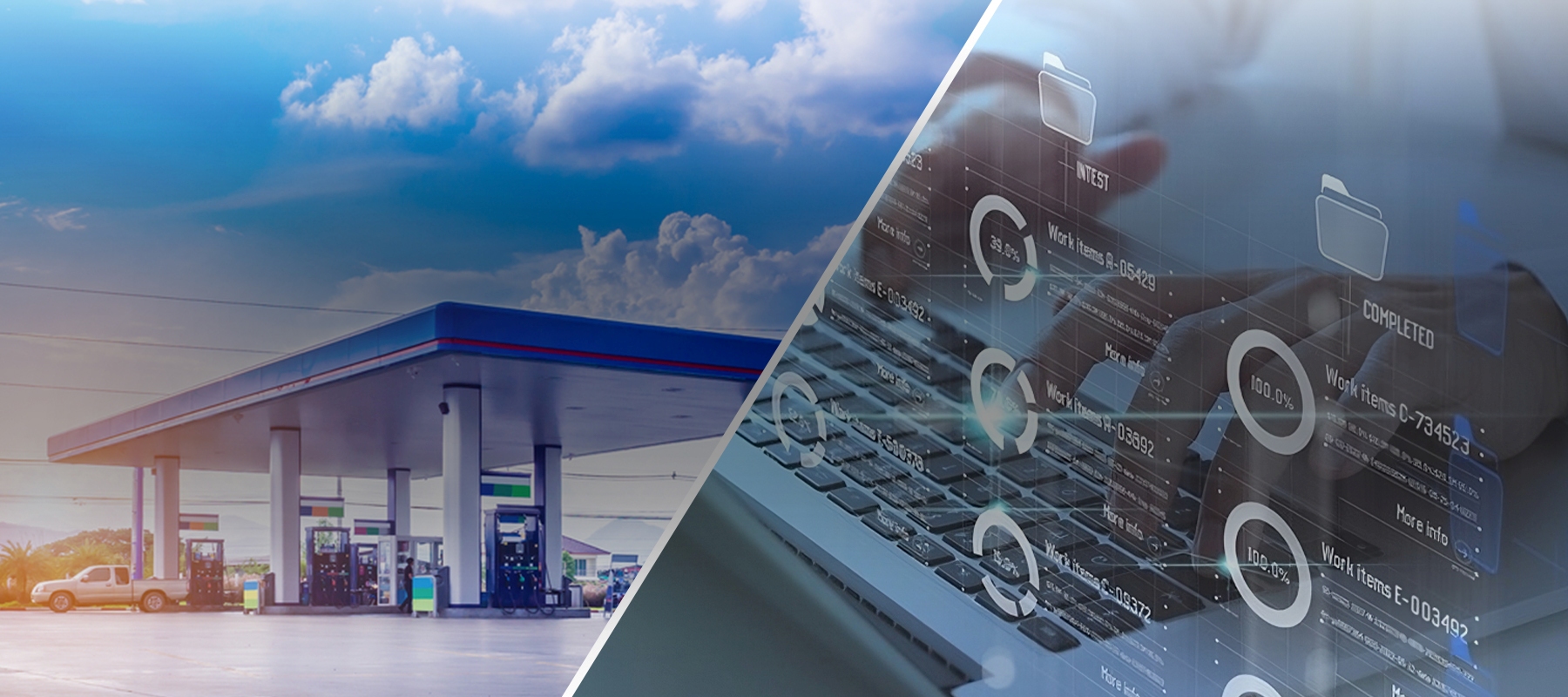
If you run more than one station, the real problem is not a single site but not being able to see them all at once. The central panel brings dispensers, tanks, sales and alarms onto one screen; you no longer have to call each site separately.
What is fuel station management software?
Fuel station management software collects the data from the dispenser, tank, tanker, vehicle identification and customer identification systems at one or more fuel stations in a single centre, tracks sales and stock in real time, manages definitions centrally and produces the EPDK notifications. Site automation generates the data; management software turns that data into something you can make decisions with.
How does central management work?
Data flow from the site
Dispenser, tank and tanker automation and vehicle identification systems connect to the central panel; every sale and stock movement reaches the centre the moment it happens.
Definitions from the centre
Station, dispenser, tank, nozzle, product, price, customer, vehicle, limit and discount definitions are made in one place instead of being entered at each site separately.
Monitoring and analysis
Stations appear on a map; online/offline status, consistent and inconsistent data and cross queries are monitored from a single screen.
Notifications and alarms
Notifications under EPDK 1240 are prepared; problems that occur are passed on instantly through alarm management.
Key capabilities
All stations on one screen
A dealer chain or multi-location business sees every site on the same panel instead of calling each one. The panel is web-based and works on mobile devices.
Status on a map
Station locations, connection status (online/offline) and data consistency are monitored on a map; a site that drops out is noticed at that moment, not at the end of the day.
Stock and delivery note matching
The start and completion of tank fillings are tracked in real time; with delivery note matching, fuel deliveries are followed accurately.
Central price and definition management
Product, price, customer, vehicle, loyalty discount, limit and restriction definitions are managed from the centre.
Cross queries and analysis dashboard
The station analysis dashboard and cross queries check for consistent and inconsistent data; abnormal sales patterns show up in the table.
EPDK 1240 compliance
The panel complies with EPDK Board Decision No. 1240 and includes the alarm management the decision requires; it is updated as the regulation changes.
Who is it for?
Multi-station operators
Beyond two stations it is no longer possible to follow every site by phone; the central panel is for businesses that have passed that threshold.
Dealer chains and distributors
Monitoring sales, stock and notification status at dealers from the centre; reporting that does not depend on the site.
Organisations with fleets
For organisations that consume fuel at their own facilities, consumption is tracked centrally per vehicle and driver.
Frequently asked questions
Is fuel station management software the same as dispenser automation?
No. Dispenser automation runs on site and records the sale at its source; station management software gathers those records centrally, distributes definitions from the centre and reports. One produces the data, the other makes that data manageable — the two work together.
After how many stations is a central panel needed?
In practice the difference is felt from the second station: price updates, shift checks and stock tracking start being done separately for each site. It is also used at a single station, but the real gain comes in a multi-site setup.
Does it work with automation from other brands?
The central panel is directly integrated with ELPO's dispenser, tank, tanker and vehicle identification systems. If a site has automation from a different brand, integration is assessed separately; the data format and interface access are decisive.
Does the site stop if the internet goes down?
Site automation keeps running on its own; that station appears offline on the central panel. When the connection returns, the data is transferred to the centre and a consistency check is made.
Are EPDK notifications made from the panel?
Yes. The panel works in compliance with EPDK Board Decision No. 1240, prepares the notifications within its scope and includes the alarm management the decision requires.
Can it be monitored from a mobile device?
The panel is web-based and built to work on mobile devices; you can also see the status on site from your phone.
Can I export reports?
Queries and reports in the analysis dashboard can be exported; an integration is set up for transfer to accounting or ERP.
How much does central station management cost?
The central panel is priced by the number of stations; if the site automation is ours, there is no separate connection charge. The same panel is used from a single station to a dealer chain.
What sets the price?
- Number of stations to connect
- Whether the site automation is ours or another brand
- Number of users and permission breakdown
- Scope of EPDK notifications and alarm management
- Whether transfer to ERP/accounting is required
We send the quote in writing, item by item, within 24 hours.
Related solutions
Let's see your stations on one screen
Let us hear how many stations you have and which systems you use today; we will clarify how the installation will run within 24 hours.
Request a Quote