








Help Desk + Field Service + Seal · in one package
Call-center ticket, mobile field form, EPDK seal registration system — three in one module. No separate software, separate database or separate license to buy.
ELPO Fault Management System is a comprehensive solution built for tracking and managing customer requests and issues. While serving your customers 24/7, it automatically converts notifications from email, calls and alarm systems into requests — every notification is logged, routed to the correct department and tracked.
When a request is created or its status changes, the system automatically e-mails the relevant people to speed up the process. Define fault types, assign target resolution times and make sure issues are resolved within those windows.
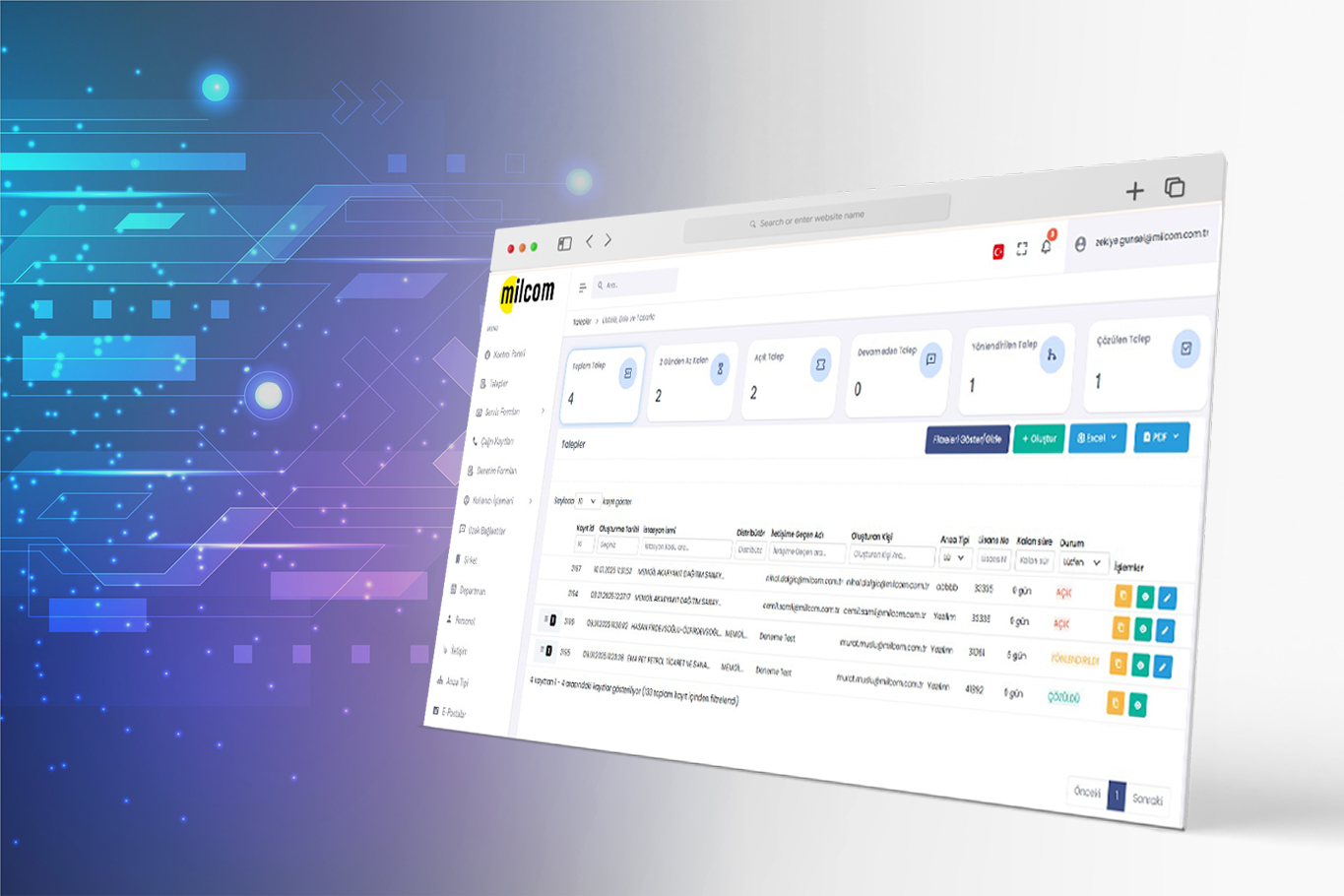

All requests from email, calls and web in a single panel — assignment, priority, SLA and status tracking.
From request handling to seal tracking, from performance analysis to dynamic reporting — every fault management process on a single platform.
Manage your users and their roles.
Track every request and fault report with a unique ticket number and keep your processes organised and manageable.
Route requests and faults from your customers to the right service quickly and effectively.
Monitor seal stocks, ship new seals or transfer them between services.
Categorise reported faults and define target resolution times for each category.
Track performance per responsible person or service unit.
Integrate easily with multiple automation systems and feed station, service and alarm data into the fault management system.
Report fault types, resolution times and team performance in detail with filters and visual reporting tools — based on roles and permissions.
With user management, you can define roles for Admin, Call Center, Department and Service users and route requests accordingly. Role-based authorisation lets every user follow and manage the entire process in real time according to their permissions.
Track every request and fault report with a unique ticket number to keep your processes organised and manageable. Automatically convert incoming emails and calls into requests so every notification is logged completely. Attach files, images, voice recordings or service forms to provide rich process management.
Service Network Management lets you route customer requests and faults to the right service quickly and effectively. Create a service form for every request, send automatic notification e-mails to the responsible service and minimise communication and tracking effort. Both you and your service teams can follow status and actions through role-based custom screens.
Define the seals you have in the system and transfer them to services in your network. Monitor seal stocks, ship new seals or transfer them between services. Track which seal is at which service and which station it is installed at, and manage the process of decommissioning installed seals and replacing them with new ones.
Categorise reported faults and define target resolution times for each category. Report by fault category to plan a focused resolution strategy for the most frequently reported categories.
With a powerful and dynamic structure, track customer requests and fault reports in real time. Detailed analysis per responsible person or service — number of opened / dispatched requests, resolution time, requests that are not resolved on time and the stage they are stuck in — gives you effective performance management for your employees and services.
Integrate easily with multiple automation systems and feed station, service and alarm data into the fault management system. Control all processes from a single point, optimise fault management and increase operational efficiency.
With dynamic reporting, role and permission aware filters and visual reporting tools let you report fault types, resolution times and team performance in detail. Export these reports and share them quickly with the relevant stakeholders to make your business processes more transparent and efficient.
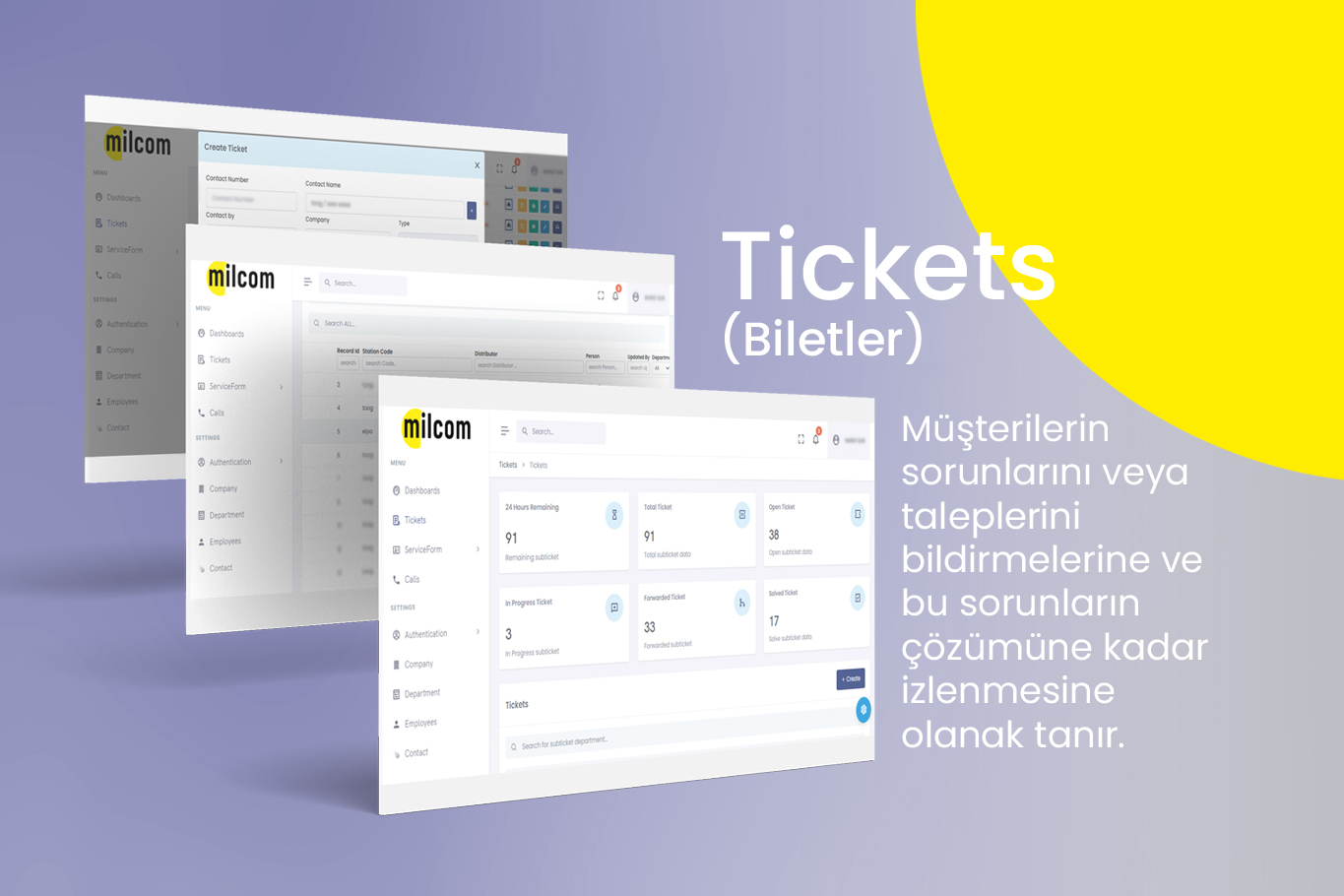
Fault Request Management — Tickets
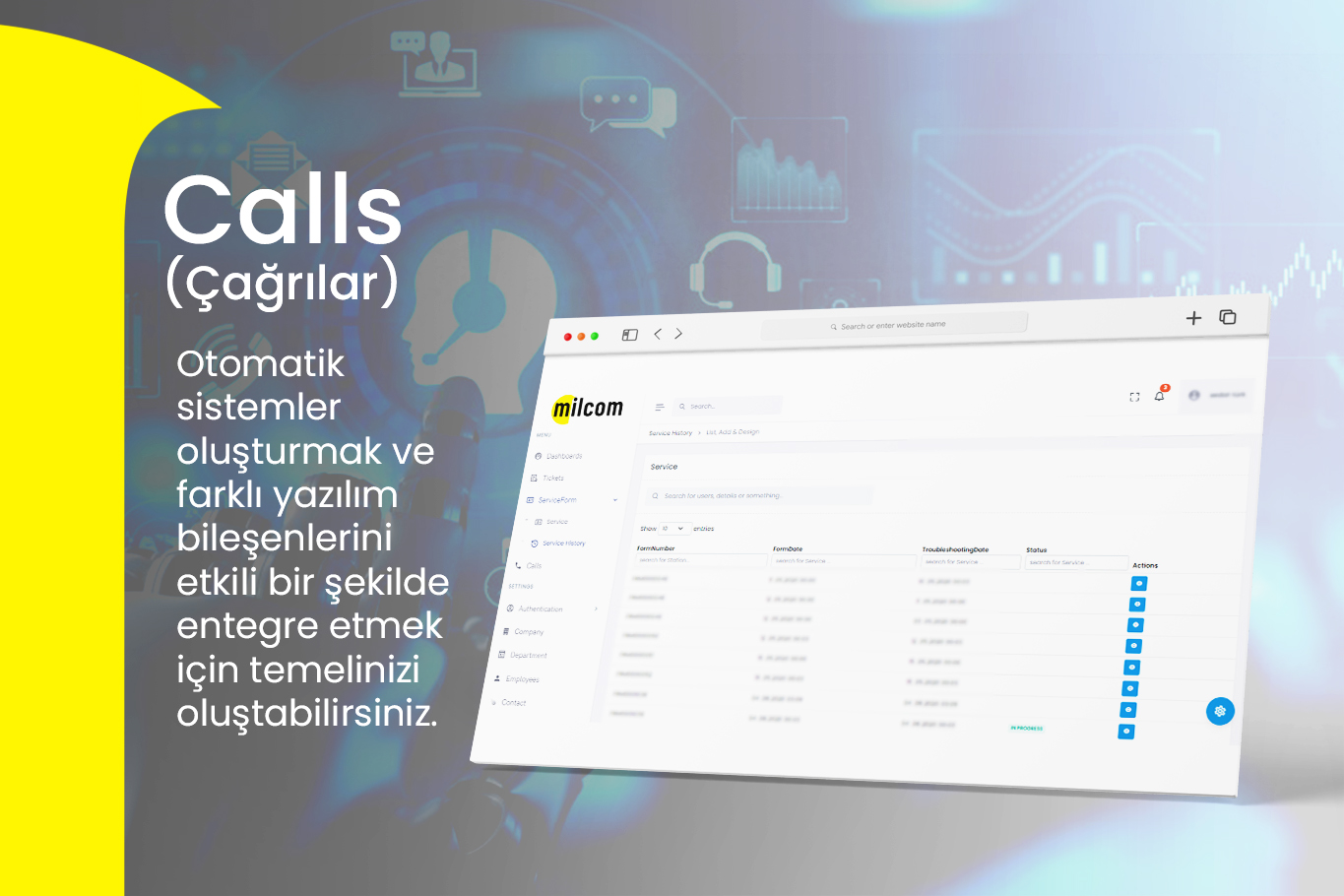
Call Center
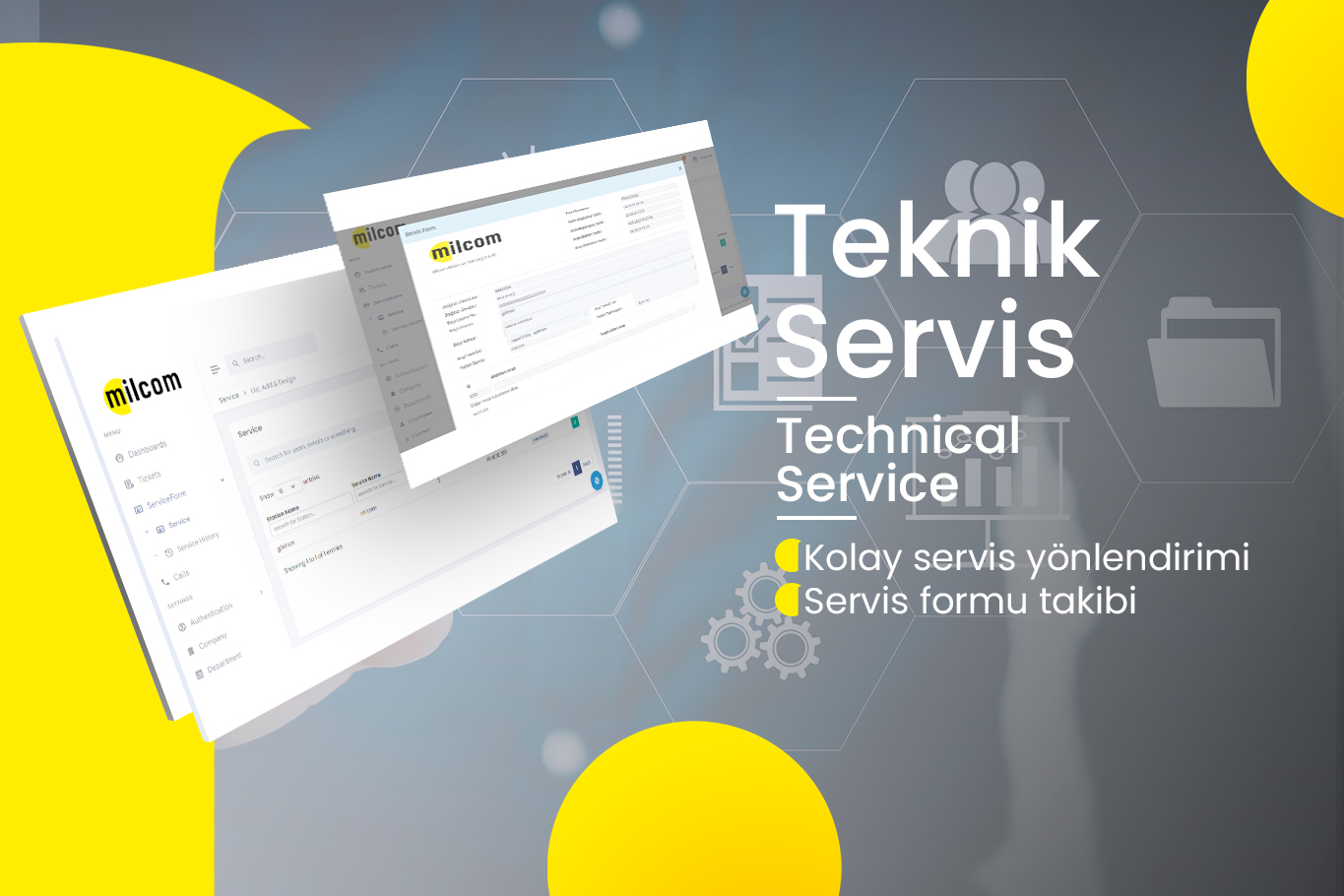
Service Form

Customer Contact Management
There are plenty of Help Desk tools and plenty of field-service trackers on the market — but few that combine the two and add hardware integration + seal/audit tracking on top. ELPO built this from feedback across three different sectors (fuel, EV charging, white goods).
Call-center ticket, mobile field form, EPDK seal registration system — three in one module. No separate software, separate database or separate license to buy.
When PX/TX, SmartSarj devices and OCPP-capable hardware raise an alarm, a ticket is opened automatically and assigned to the field technician. The customer doesn't need to call.
When a customer writes to support@brand.com, sends an SMS or messages WhatsApp Business, a ticket is created automatically. Zero manual data entry.
Automatic SLA calculation on a customer-type × priority × product-model matrix, with escalation chains. As a deadline approaches, a push + email alert goes to the team lead.
The technician works even without internet on site — it syncs automatically once connected. Photo capture, QR scanning, signature and spare-part stock updates from one screen.
Service-vehicle stock, warehouse stock and labor hours spent, all on the ticket card. Cost is calculated automatically, invoicing in one click — no juggling spreadsheets.
Natively integrated with SmartERP, Cortex and e-Belge. Service report links to invoice, invoice to reconciliation, reconciliation to the customer 360° view in one click.
Your customers log in to the portal under your own domain and brand, open tickets, track status and view past services. Call-center load drops, satisfaction rises.
Authorised service networks, white-goods brands and OEMs — fault tickets + field service tracking under your own brand. Customer portal on your own domain, seal / audit forms in your own logo and colors, ELPO is the engine. SLA + workforce + spare parts stock reported back to you.
support.yourbrand.com · open ticket · track status · your brand
PDF / mobile form with your logo · signature · QR — customizable template
Connect to your existing ERP / e-commerce via REST API · your domain
Manage every process — from customer requests to your technical service — from a single point with the ELPO Fault Management System. Lift customer satisfaction to the highest level.
A fault management system is software that logs incoming fault and support requests, prioritizes them, routes them to field service, and tracks the resolution process against SLAs. Calls, emails, and alarms are automatically turned into tickets.
Help desk software manages desk-based support requests; a fault management system additionally covers field service, seal tracking, equipment, and inspection forms.
Yes. Response and resolution times are tracked against SLA rules for every request; performance reports measure your team and service network.
You do what you know best — sales, technical work, production, whatever your field is. We do what we know best: software. You market ELPO products under your own brand; ELPO handles development, updates and regulatory compliance in the background, just like your own team. Launch your own software brand without writing code or building a team — let's win together.
ELPO products as if it were your own product — your logo, your colors, your domain. Your customer sees you, not the ELPO behind it.
Sales, technical support, production — stay in your field. We handle the software, the thing we know best; everyone on their strong side.
ELPO builds the product, updates it and keeps it compliant with regulations — just like your own back-office software team.
If needed, we also share source code depending on the agreement. The product truly becomes yours; your future isn't tied to a single vendor.